
QuickBooks is an accounting software designed to manage bookkeeping, payroll, invoicing, tax preparation, and financial reporting. Small businesses, freelancers, large enterprises, and global organizations use QuickBooks to control finances efficiently. Intuit offers QuickBooks in two primary formats: a cloud-based Online version and a fully installed Desktop version.
Many businesses choose QuickBooks Desktop for greater operational control. Local data storage supports in-house data privacy and compliance requirements. QuickBooks Desktop editions provide:
- And job or project tracking without constant internet dependency.
- Deeper software customization,
- Reliable QuickBooks Payroll processing,
- Advanced inventory handling,
QuickBooks Desktop is available in region-specific versions for the United States, Canada, and the United Kingdom. Offline QuickBooks Desktop editions include Pro, Premier, Enterprise, and Accountant versions. Businesses prefer these editions for offline access and performance stability, but improper setup, system dependency, or infrastructure issues can expose users to operational risks.
Risks stem from environmental and configuration disadvantages rather than software flaws. Local installations depend heavily on Windows components, storage integrity, database services, and network configuration. Power interruptions, security software conflicts, permission restrictions, and outdated system dependencies commonly disrupt QuickBooks Desktop functionality.
Errors in QuickBooks Desktop arise from identifiable conditions such as damaged company files, licensing validation failures, incomplete installations, network misconfiguration, and blocked security access,etc. Error severity varies from minor and user-correctable issues to critical failures that block access or threaten financial data. Advanced cases require professional handling to prevent permanent damage.
For your understanding we have breakdown the QuickBooks Desktop errors into three practical severity zones:
- Green Zone issues are user-solvable, including outdated versions, file naming errors, power settings, and browser or cache problems.
- Yellow Zone errors require conditional expertise, such as firewall interference, database services, permissions, DNS, VPNs, or partial updates.
- Red Zone errors demand professional intervention, including company file corruption, internal file structure damage, damaged program files, missing Microsoft components, and persistent network failures.
The sections below explain each category in detail to guide accurate diagnosis and resolution of QuickBooks Desktop Errors.
Classification of QuickBooks Error Causes by Resolution Zone
Red Zone – Critical (Professional Help Required)
- Errors that block access to company files or threaten data integrity are not easily fixed with basic self-help steps and often require specialized tools like QuickBooks File Doctor or direct assistance from Intuit support.
- Complex OS component issues and corrupted entitlement/licensing files often involve reinstall or deep repair that risks further damage if performed incorrectly.
Yellow Zone – Moderate (Expert/User Fix Possible)
- Network and permission issues are correctable by users but often require deeper understanding of firewall rules, network hosting, or Windows ACL permissions to avoid creating new problems.
- Update and partial installation errors can be addressed by toolkits provided by Intuit (Tool Hub) but are best handled when users know system admin contexts.
Green Zone – Basic (User Solvable)
- Browser or cache issues are strictly local and documented by Intuit as user-level fixes with no risk to core data or system configuration.
- Simple file naming corrections and basic networking/DNS checks are typical desktop troubleshooting tasks that do not require elevated access or business disruptions.
| RED ZONE – Professional Intervention Required | YELLOW ZONE – Conditional (User or Expert) | GREEN ZONE – User-Solvable |
| Corrupted or Damaged Company Files | Multi-User / Network Configuration Issues | Browser / Cache Issues (Online) |
| Internal Company File Structure Damage | Firewall / Antivirus Interference | Third-Party Software Conflicts |
| Licensing / Entitlement File Corruption | Firewall Blocks QuickBooks Online URLs | Host Machine Sleep / Power Saving |
| Database Services Not Running | Outdated QuickBooks Version | Incorrect File Naming / Extensions |
| Damaged Program Files (.DLL, .EXE) | Incorrect Folder Permissions / File Path | DNS / IP Resolution Problems |
| System / Windows OS Issues | VPN / Proxy Blocking Updates | – |
| Missing / Damaged Microsoft Components | Failed or Partial Updates | – |
| Unsupported or External Drive Locations | Windows User Permissions / UAC Problems | – |
| – | Network / Server Connectivity Problems | – |
| List of 23 Causes Behind QuickBooks Error Codes | |
| Corrupted or Damaged Company Files | Licensing / Entitlement File Corruption |
| Incomplete or Failed Installation | Browser / Cache Issues (Online) |
| Multi-User / Network Configuration Issues | Firewall Blocks QuickBooks Online URLs |
| Outdated QuickBooks Version | Internal Company File Structure Damage |
| Firewall / Antivirus Interference | Third-Party Software Conflicts |
| Incorrect Folder Permissions / File Path | VPN / Proxy Blocking Updates |
| Network / Server Connectivity Problems | Host Machine Sleep / Power Saving |
| Windows User Permissions / UAC Problems | Database Services Not Running |
| Damaged Program Files (.DLL, .EXE) | Unsupported or External Drive Locations |
| System / Windows OS Issues | Incorrect File Naming / Extensions |
| Failed or Partial Updates | DNS / IP Resolution Problems |
| Missing/Damaged Microsoft Components | |
QuickBooks Error 12007

Error Message: “Error 12007: A network timeout that is preventing QuickBooks from accessing the server.”
What Does This Error Code Mean?
QuickBooks Error 12007 is primarily a network-related error that occurs when the software is unable to access the server. This can happen during an update of QuickBooks or when downloading payroll updates.
QuickBooks Error 12009
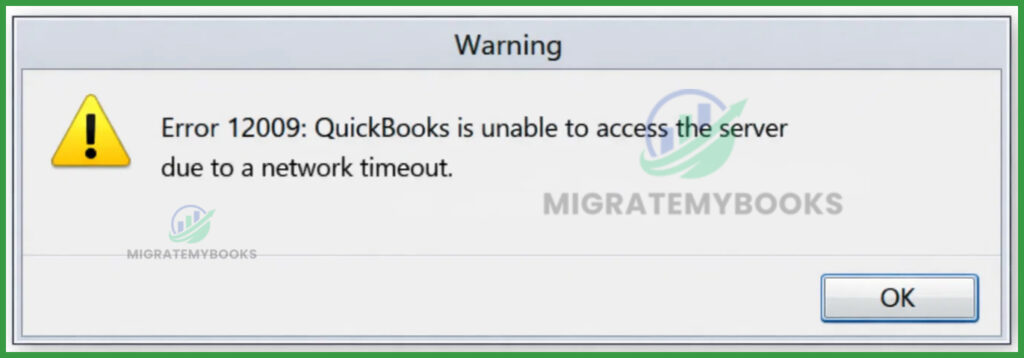
Error Message: Error 12009 : QuickBooks is unable to access the server due to a network timeout.”
What Does This Error Code Mean?
QuickBooks error 12009 is a part of the QuickBooks 1200 error series. It occurs when a user tries downloading or updating the QuickBooks Payroll service or even while getting regular software updates. The error appears when sudden internet connectivity loss interrupts the installation process.
QuickBooks Error 12029
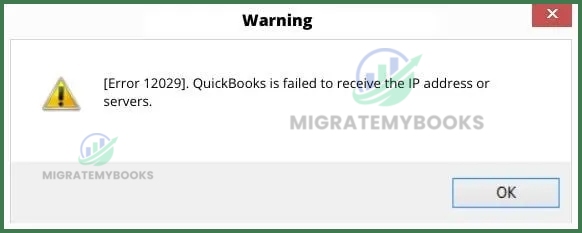
Error Message: Error 12029 , QuickBooks is failed to receive the IP address or servers.
What Does This Error Code Mean?
Error Code 12029 is a network time-out message when QuickBooks software cannot obtain the IP address due to a weak server connection.
QuickBooks Error 12031
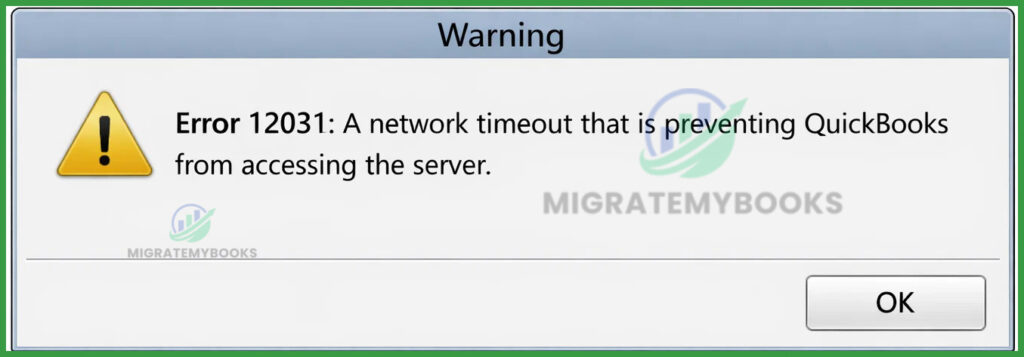
Error Message: “Error 12031: A network timeout that is preventing QuickBooks from accessing the server.”
What Does This Error Code Mean?
QuickBooks Error 12031 is a network connectivity error that occurs when the software times out while attempting to connect to Intuit servers for a payroll or software update, typically due to firewall blocks or incorrect internet settings.
QuickBooks Error 12038

Error Message: “Error 12038: QuickBooks was unable to complete the update because your computer’s date and time are incorrect.”
What Does This Error Code Mean?
QuickBooks Error 12038 is a Network Connectivity/SSL Error that occurs when the software’s internal clock or date settings do not match the global standard, causing a security certificate mismatch.
QuickBooks Error 12157

Error Message: “Error 12157: QuickBooks is unable to connect to the internet while downloading the update.”
What Does This Error Code Mean?
QuickBooks Error 12157 is a Web Connectivity Error (12000 series) that occurs when the software fails to connect with the Microsoft Win32 Internet (WinInet API) during a payroll or software update.
QuickBooks Error 12159
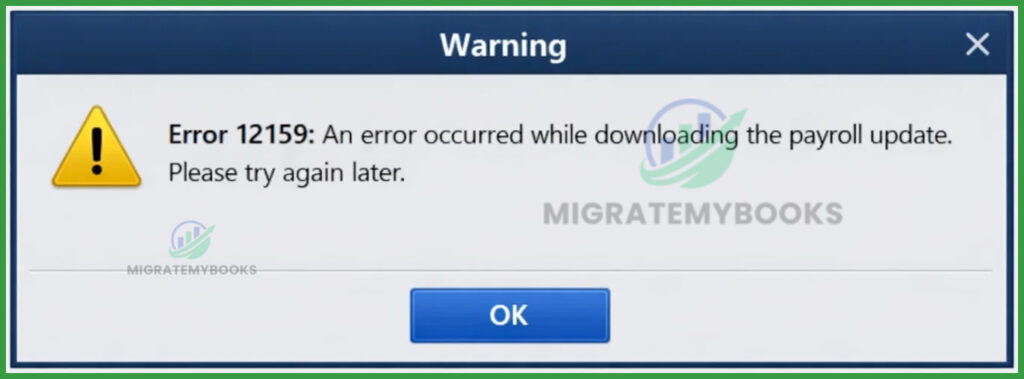
Error Message: “Error 12159: An error occurred while downloading the payroll update. Please try again later.”
What Does This Error Code Mean?
QuickBooks Error 12159 is a payroll update error that occurs when there is a digital signature verification failure or an internal software conflict during a payroll download.
QuickBooks Error 12164

Error Message: “Error 12164: QuickBooks was unable to initialize the download. Please check your internet connection and try again.”
What Does This Error Code Mean?
QuickBooks Error 12164 is an Internet Connection Error that occurs when the software cannot initialize a download because the requested file or folder is missing or inaccessible.
QuickBooks Error 12170
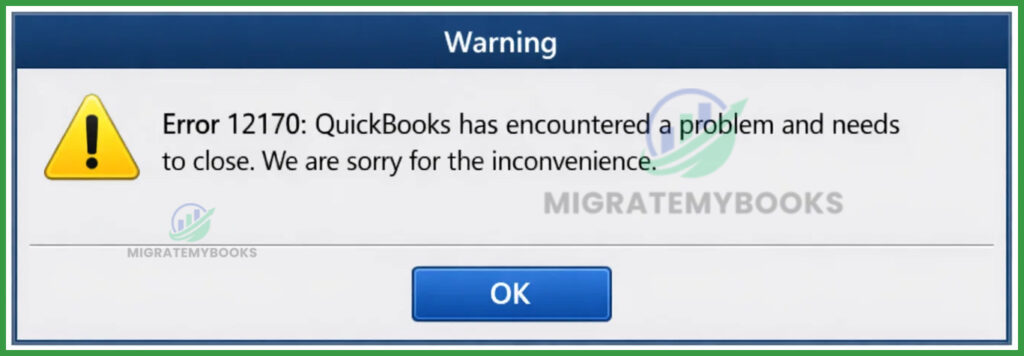
Error Message: “Error 12170: QuickBooks has encountered a problem and needs to close. We are sorry for the inconvenience.”
What Does This Error Code Mean?
QuickBooks Error 12170 is a Payroll Update Error caused by a script error or connectivity issue that prevents the software from downloading the latest payroll tax tables.
QuickBooks Error 12186

Error Message: “Error 12186: QuickBooks was unable to verify the digital signature for the update file.”
What Does This Error Code Mean?
QuickBooks Error 12186 is a Connectivity/Update error that occurs when the software is unable to verify digital signatures or certificates during a payroll or software update.
QuickBooks Error 1601
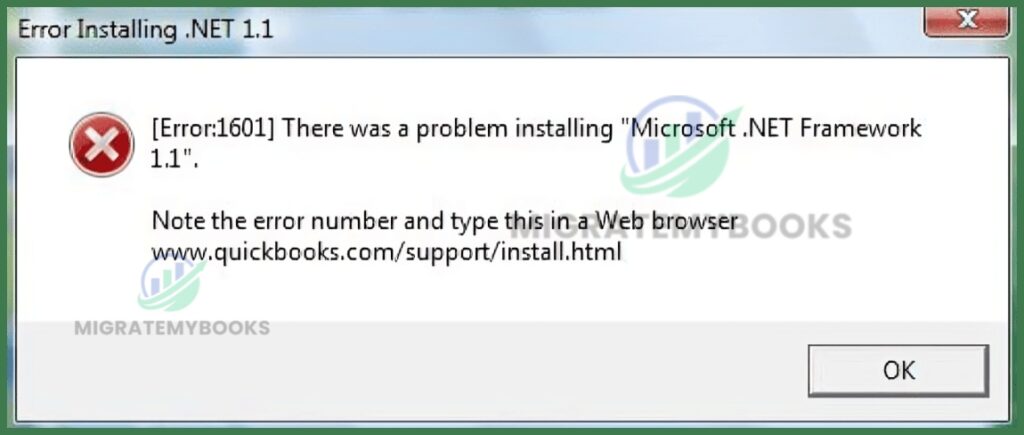
Error Message: Error 1601: The Windows Installer Service could not be accessed. Contact your support personnel to verify that the Windows Installer service is properly registered.”
What Does This Error Code Mean?
QuickBooks Error 1601 is a Windows Installer error that occurs when the Windows Installer service is damaged, disabled, or inaccessible, preventing the software from being installed or updated.
QuickBooks Error 1603

Error Message: “Error 1603: The installer encountered an unexpected error installing this package. This may indicate a problem with this package. Error code 1603.”
What Does This Error Code Mean?
QuickBooks Error 1603 is a Windows Installer Error that occurs when the installation or update process is blocked by damaged components (like .NET Framework) or insufficient system permissions.
QuickBooks Error 1606

Error Message: “Error 1606: Could not access network location [path].”
What Does This Error Code Mean?
QuickBooks Error 1606 is an installation/update error that occurs when the Windows installer is unable to access or locate a specific network location or directory path.
QuickBooks Error 1608

Error Message: “Error 1608: Could not retrieve setup information” or “Error 1608: Unable to create InstallDriver instance.”
What Does This Error Code Mean?
QuickBooks Error 1608 is an installation error that occurs when the Windows Installer is unable to initialize, typically caused by a corrupted installation of the software or conflicting third-party applications.
QuickBooks Error 1609

Error Message: “Error 1609: An error occurred while applying security settings. Verify that user ‘Everyone’ is a valid user or group.”
What Does This Error Code Mean?
QuickBooks Error 1609 is an installation error occurring when the installer cannot add the required user (usually “Everyone” or “Users”) to a security group due to permission restrictions or OS instability.
QuickBooks Error 1612

Error Message: “Error 1612: The update installer is not accessible.”
What Does This Error Code Mean?
QuickBooks Error 1612 is a Windows Installer issue that occurs under the condition that the software cannot access or locate the necessary installation files or “update installer” during a patch, update, or software repair. It primarily signifies that the .msi (installer package) in the Windows Installer cache is missing or corrupted, preventing the update process from completing.
QuickBooks Error 1625

Error Message: “An error occurred while installing QuickBooks. Error 1625: This installation is forbidden by system policy. Contact your system administrator.”
What Does This Error Code Mean?
QuickBooks Error 1625 is a Windows-based installation error labeled as “This installation is forbidden by system policy,” occurring when Windows Installer restrictions or Group Policy settings prevent the software update or installation.
QuickBooks Error 1638

Error Message: “Error 1638: Another version of this product is already installed. Installation of this version cannot continue. To configure or remove the existing version of this product, use Add/Remove Programs in the Control Panel.”
What Does This Error Code Mean?
Error 1638 is a Windows Installer error indicating that another version of QuickBooks is already installed, preventing a new installation or update from completing.
QuickBooks Error 1642
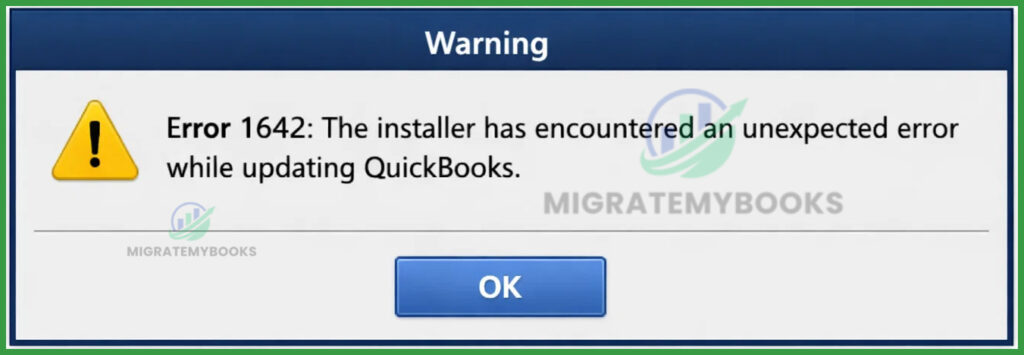
Error Message: “Error 1642: The installer has encountered an unexpected error while updating QuickBooks” or “Error 1642: Error installing Microsoft .NET Framework when installing QuickBooks.”
What Does This Error Code Mean?
QuickBooks Error 1642 is an installation/update issue occurring when the Microsoft Windows Installer is damaged or cannot verify the digital signature of the .NET Framework files.
QuickBooks Error 1722
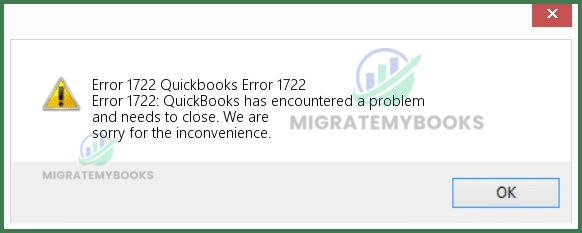
Error Message: “Error 1722: There is a problem with this Windows Installer package. A program run as part of the setup did not finish as expected. Contact your support personnel or package vendor.”
What Does This Error Code Mean?
QuickBooks Error 1722 is a Windows installer malfunction indicating that a program run as part of the setup failed to finish, often due to corrupted system files, damaged registry entries, or missing Microsoft components like the .NET Framework.
QuickBooks Error 1904
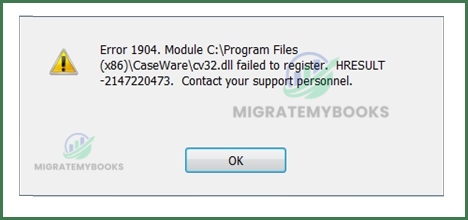
Error Message: “Error 1904: [file path/name/extension] failed to register. Contact your support personnel.” (Commonly mentions files like icwrapper.dll, qbprefs.dll, or Flash.ocx).
What Does This Error Code Mean?
QuickBooks Error 1904: [Module/File Path] failed to register is an installation error indicating that the software cannot register critical system components (like DLL or OCX files) due to damaged Microsoft components or insufficient user permissions.
QuickBooks Error 1935
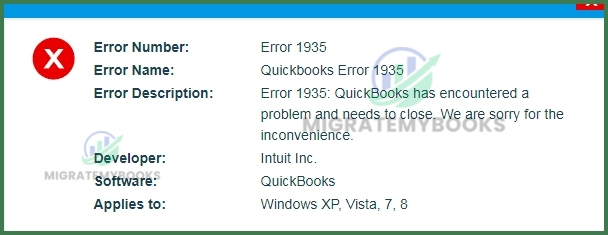
Error Message: “Error 1935: This setup requires .NET Framework.”
What Does This Error Code Mean?
QuickBooks Error 1935 is an installation-related condition indicating that the setup process has failed because the Microsoft .NET Framework components are damaged, missing, or being used by another program.
QuickBooks Error -6000, -77

Error Message: “We’re sorry, QuickBooks encountered a problem. Error codes: (-6000, -77) when trying to open the company file.”
What Does This Error Code Mean?
QuickBooks Error -6000, -77 occurs when the software cannot access the company file because it is stored in an incorrect folder, such as a folder with inadequate permissions or an external drive.
QuickBooks Error -6000, -80
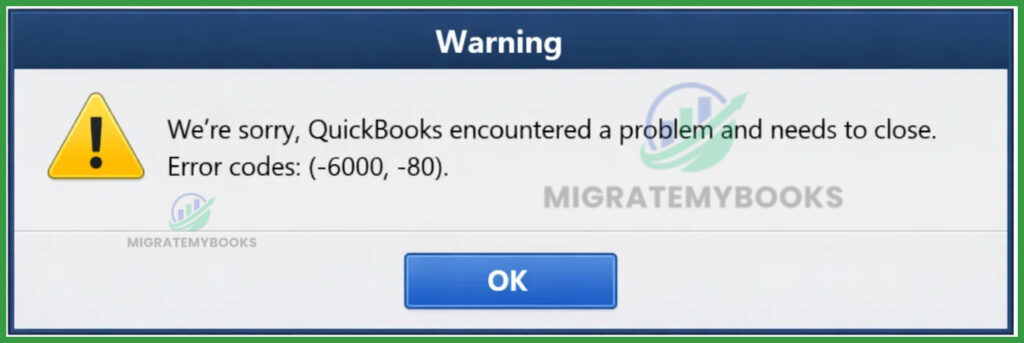
Error Message: “We’re sorry, QuickBooks encountered a problem and needs to close. Error codes: (-6000, -80).”
What Does This Error Code Mean?
Error -6000, -80 occurs when QuickBooks is unable to communicate with the company file over a network, typically because multiple computers are hosting the file or the hosting setup is incorrect. It signifies a synchronization conflict where more than one system is trying to act as the server for the same data file.
QuickBooks Error -6000, -82

Error Message: “We’re sorry. QuickBooks encountered a problem. Error codes: (-6000, -82).”
What Does This Error Code Mean?
QuickBooks Error -6000, -82 is a company file communication error that occurs when QuickBooks is unable to access the company file because the software cannot communicate with the database on another computer (hosting server).
QuickBooks Error -6000, -83
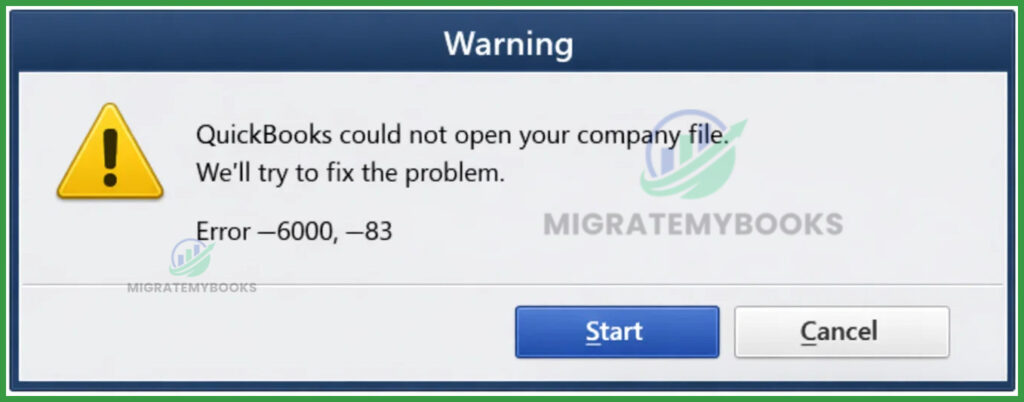
Error Message: “QuickBooks could not open your company file. We’ll try to fix the problem.” Error –6000, –83
What Does This Error Code Mean?
QuickBooks Error –6000, –83 — A company file access error indicating QuickBooks cannot open or access the company (.QBW) file due to file/permission, network or multi-user configuration issues.
QuickBooks Error -6000, -107

Error Message: “We’re sorry. QuickBooks encountered a problem when opening the company file. Error –6000, –107”
What Does This Error Code Mean?
QuickBooks Error –6000, –107 — A company file access error indicating QuickBooks cannot open or access the company file, often due to a damaged or mismatched transaction log (.TLG) file or related support files.
QuickBooks Error -6000, -301

Error Message: “Warning: An error occurred when QuickBooks Desktop tried to access the company file. Please try again. If the problem persists, contact Intuit Technical Support and provide them with the following error codes: (-6000, -301).”
What Does This Error Code Mean?
QuickBooks Error –6000, –301 means QuickBooks cannot access the company file due to issues like damaged support files (ND/TLG/DSN), corrupted company file, or interference from encryption/security software.
QuickBooks Error -6000, -304
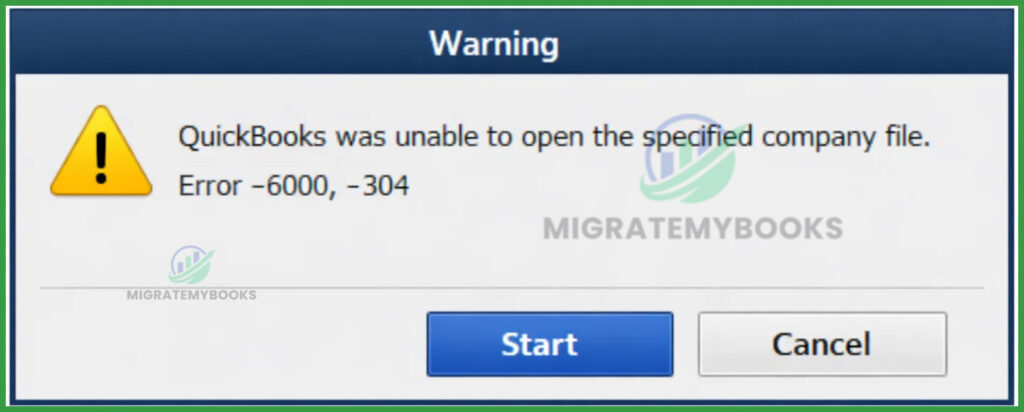
Error Message: “QuickBooks was unable to open the specified company file.” Error –6000, –304
What Does This Error Code Mean?
QuickBooks Error –6000, –304 — A company file access error that indicates QuickBooks cannot open or access your company file due to company file or file location issues, commonly requiring QuickBooks File Doctor to fix the company file or file permissions.
QuickBooks Error -6000, -305

Error Message: “QuickBooks could not open your company file.” Error -6000, -305
What Does This Error Code Mean?
QuickBooks Error -6000, -305 occurs when the software attempts to open a company file that is either currently in use by another process or is hosted on a drive that QuickBooks cannot access due to insufficient permissions or network configuration issues.
QuickBooks Error -6000, -832

Error Message: “We’re sorry. QuickBooks encountered a problem. Error codes: (-6000, -832).”
What Does This Error Code Mean?
QuickBooks Error -6000, -832 is a 6000-series company file access error indicating QuickBooks cannot open or access the company file due to file access, network, or supporting file issues.
QuickBooks Error -6000, -1076

Error Message: “Error: –6000, –1076 – QuickBooks was unable to open your company file.”
What Does This Error Code Mean?
QuickBooks Error -6000, -1076 indicates a communication failure between the workstation and the server hosting the company file, usually caused by incorrect hosting settings or firewall interference.
QuickBooks Error -6010, -100

Error Message: “Error –6010, –100: QuickBooks cannot open your company file because it is hosted on a system that isn’t the server.”
What Does This Error Code Mean?
QuickBooks Error –6010, –100 means QuickBooks cannot access/open your company file because the file is hosted by a computer that isn’t configured as the server or network/installation conflicts block access.
QuickBooks Error -6123, 0

Error Message: “Error -6123, 0: We’re sorry, but QuickBooks can’t open your company file.”
What Does This Error Code Mean?
QuickBooks Error -6123, 0 is a communication error that typically occurs when the program tries to open a company file over a network or during a file restore process, indicating that the connection to the QuickBooks Database Server is lost or blocked.
QuickBooks Error -6147, 0
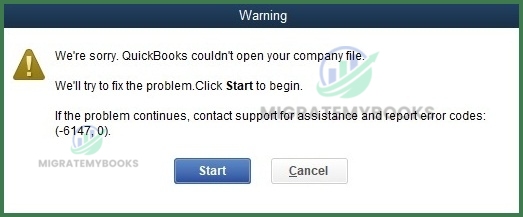
Error Message: “Error code -6147, 0: QuickBooks is unable to open this company file.”
What Does This Error Code Mean?
QuickBooks Error -6147, 0 is a database connection error that occurs when the software is unable to open a company file, often due to a corrupted network data (.ND) file or an issue with the file location (such as a restricted folder or backup restoration failure).
QuickBooks Error -6150, -1006
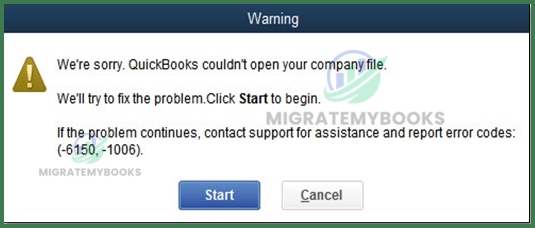
Error Message: “We’re sorry. QuickBooks couldn’t open your company file. We’ll try to fix the issue. If the problem continues, contact support and report error codes: (-6150, -1006).”
What Does This Error Code Mean?
QuickBooks Error -6150, -1006 indicates that QuickBooks is unable to open your company file, typically because the file is damaged or you are attempting to create a new file with an invalid name or location.
QuickBooks Error -6175, 0

Error Message: “An error occurred when QuickBooks tried to access the company file. We’re sorry, but QuickBooks can’t open your company file. Error Codes: (-6175, 0)”
What Does This Error Code Mean?
QuickBooks Error -6175, 0 is a company file access/open problem, meaning QuickBooks cannot open or access the company (.QBW) file due to file path, permissions, or file-reading issues.
QuickBooks Error -6189, 0

Error Message: “QuickBooks was unable to open this company file.” Error -6189, 0
What Does This Error Code Mean?
QuickBooks Error -6189, 0 indicates that the program is unable to open the company file because of an issue with the host computer or the data file’s permissions, often occurring in multi-user environments.
QuickBooks Error -6190, 816

Error Message: “An error occurred when QuickBooks tried to access the company file. (-6190,-816)”
What Does This Error Code Mean?
QuickBooks Error -6190, 816 indicates that QuickBooks Desktop cannot access the company file (.QBW) due to a file access or multi-user/network issue when trying to open the file, often because it’s in use elsewhere or cannot be accessed properly.
QuickBooks Error -6209, 0

Error Message: “QuickBooks encountered a problem when opening the company file. Error Codes (-6209, 0)”
What Does This Error Code Mean?
QuickBooks Error -6209, 0 is a technical conflict that typically occurs when the software is unable to open a company file due to a damaged Microsoft .NET Framework or a corrupted QuickBooks installation.
QuickBooks Error H101
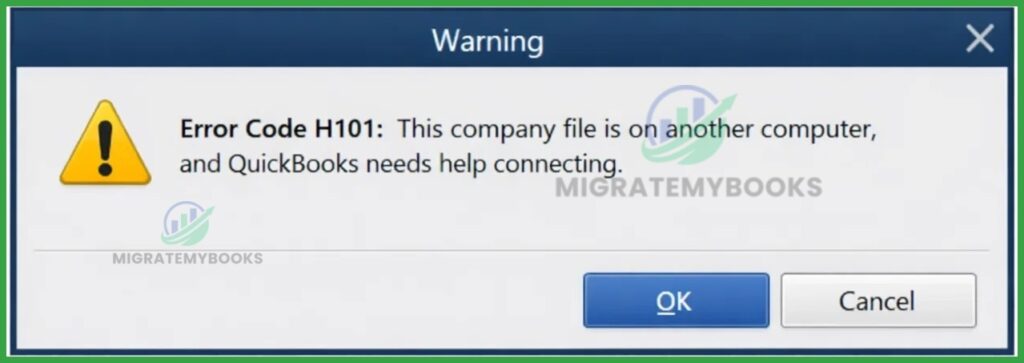
Error Message: “Error Code H101: This company file is on another computer, and QuickBooks needs help connecting.”
What Does This Error Code Mean?
QuickBooks Error H101 is a multi-user hosting error that occurs when a workstation attempts to access a company file located on another computer, but the connection is blocked. This typically happens because the workstation itself is incorrectly trying to “host” the file or because the QuickBooks Database Server Manager is not communicating properly with the network.
QuickBooks Error H202

Error Message: “Error H202: This company file is on another computer, and QuickBooks needs some help connecting.”
What Does This Error Code Mean?
QuickBooks Error H202 occurs when a workstation fails to communicate with the server hosting the company file, typically due to blocked network access or incorrect hosting settings.
QuickBooks Error H303

Error Message: “Error Code: H303. This company file is on another computer, and QuickBooks needs some help connecting.”
What Does This Error Code Mean?
QuickBooks Error H303 means the software cannot connect to a company file on another computer due to a multi‑user hosting setup issue (e.g., incorrect hosting settings, firewall or network blocking access).
QuickBooks Error H505
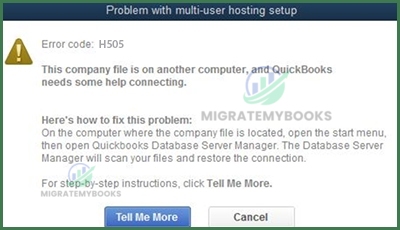
Error Message: “Error Code: H505 — This company file is on another computer, and QuickBooks needs some help connecting.”
What Does This Error Code Mean?
QuickBooks Error H505 is a multi‑user network error that occurs when a workstation can’t communicate with the server computer hosting the company file due to issues like incorrect hosting setup, firewall blocking, or network configuration problems.
QuickBooks Error 80070057
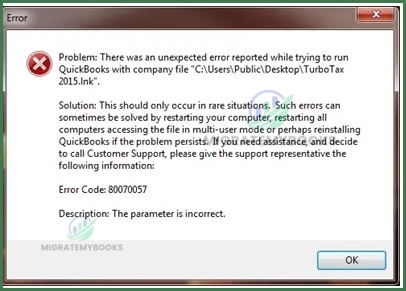
Error Message: Error 80070057: The parameter is incorrect
or
Error 80070057: The parameter is incorrect, or You do not have sufficient permissions
What Does This Error Code Mean?
QuickBooks Error 80070057 is a runtime error indicating QuickBooks cannot access or modify the company file due to incorrect parameters or lack of proper file permissions, often during opening or multi‑user access.
QuickBooks Error 3371 Status Code 11118

Error Message: “Could not initialize license properties. [Error 3371, Status Code -11118] QuickBooks could not load the license data. This may be caused by missing or damaged files.”
What Does This Error Code Mean?
QuickBooks Error 3371 Status Code 11118 occurs when QuickBooks cannot load essential license data because the EntitlementDataStore.ecml file or MSXML component is missing or damaged. It prevents the software from verifying your subscription or registration, often after a hardware change or Windows update.
QuickBooks Error 404
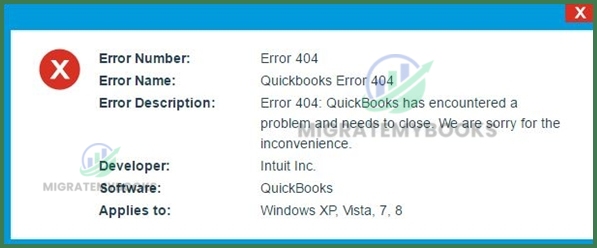
Error Message: “Error 404: QuickBooks has encountered a problem and needs to close. Sorry for the inconvenience.”
What Does This Error Code Mean?
QuickBooks Error 404 is a runtime and network communication error that occurs when the software fails to establish a stable connection with Intuit’s servers, often due to an unstable internet connection, server sync issues, or corrupted system files.
QuickBooks Error 7300
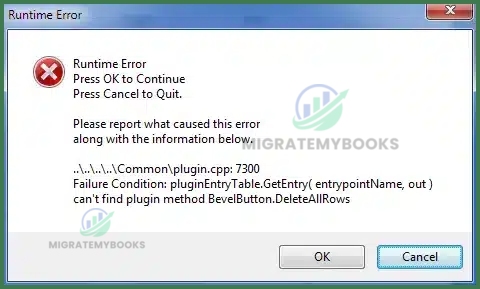
Error Message:“Error 7300: QuickBooks has experienced an issue and needs to shut down. We are sorry for the inconvenience.”
What Does This Error Code Mean?
QuickBooks Error 7300 is a sync‑related error that occurs when QuickBooks fails to synchronize data with Intuit services or has trouble accessing/opening the company file due to Intuit Sync Manager or file/installation issues.
QuickBooks Error 6176
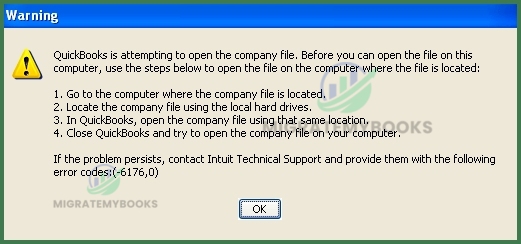
Error Message:“QuickBooks is attempting to open the company file. Before you can open the file on this computer, use the steps below to open the company file on the computer where the file is located. Error codes: (-6176, 0)”
What Does This Error Code Mean?
QuickBooks Error 6176 indicates that QuickBooks Desktop cannot locate or connect to the company file path or address on the network, often due to folder permission issues, firewall/antivirus configuration, or network access problems.
QuickBooks Error PS032

Error Message: “(PS032) QuickBooks is having trouble installing your payroll update.”
What Does This Error Code Mean?
QuickBooks Error PS032 is a payroll update error that occurs when the software cannot install the latest tax table updates due to a damaged CPS folder, an inactive payroll subscription, or corrupted company files. This error typically blocks users from processing payroll or updating tax forms until the data integrity or connection issue is resolved.
QuickBooks Error PS033

Error Message: “QuickBooks can’t read your payroll setup files. [Error PS033]”
What Does This Error Code Mean?
QuickBooks PS033 is a payroll-related error that occurs when the software is unable to read your payroll setup files, typically due to a damaged file in the CPS (Common Payroll Service) folder or an outdated tax table. This error prevents users from downloading the latest payroll updates or opening the company file while payroll features are active.
QuickBooks Error PS034
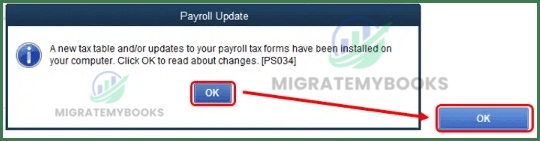
Error Message: “QuickBooks Error PS034: The payroll update did not complete successfully.”
What Does This Error Code Mean?
QuickBooks Error PS034 is a payroll update error that occurs when QuickBooks fails to successfully download or install the latest payroll update due to issues like corrupted files, network settings, or subscription problems.
QuickBooks Error PS038

Error Message: “You’ve retrieved the latest payroll update and validated your Payroll subscription. We strongly recommend that you go online again before [Date]. [PS038]”
What Does This Error Code Mean?
QuickBooks Error PS038 is a payroll-related issue that occurs when paychecks are stuck with an “Online to Send” status, preventing you from downloading tax table updates or sending payroll data. It typically signifies that the software cannot finish processing a previous payroll task, often due to data corruption or an outdated program version.
QuickBooks Error PS058
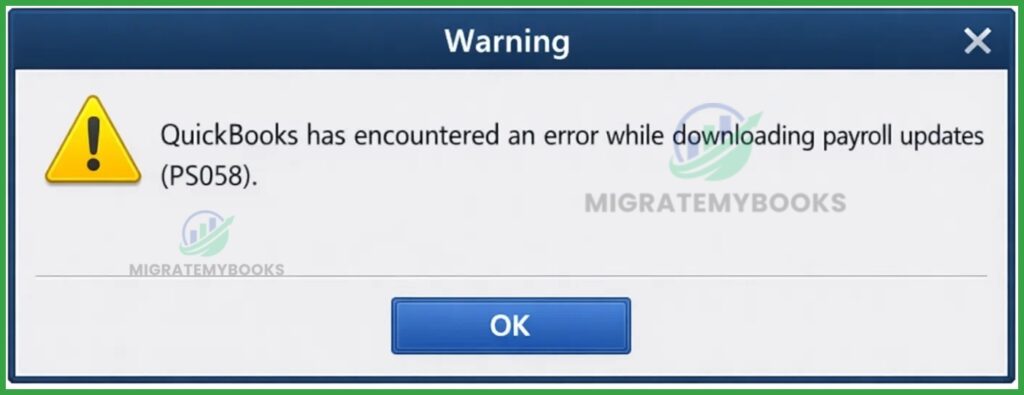
Error Message: “QuickBooks has encountered an error while downloading payroll updates (PS058).”
What Does This Error Code Mean?
QuickBooks PS058 is a payroll update error that occurs when QuickBooks Desktop fails to download or install payroll updates, indicating an update process failure.
QuickBooks Error PS060

Error Message:“Error [PS060]: The QuickBooks enhanced Payroll for unlimited employees service is not currently available. Please try again later.” Note: A common variation is: “Current Enhanced Payroll Service is Unavailable.”
What Does This Error Code Mean?
QuickBooks Error PS060 is a payroll update error that occurs when the software cannot verify your payroll subscription, often due to expired billing information, inactive service status, or Intuit server connectivity issues. It effectively blocks users from downloading the latest tax tables or processing paychecks.
QuickBooks Error PS061
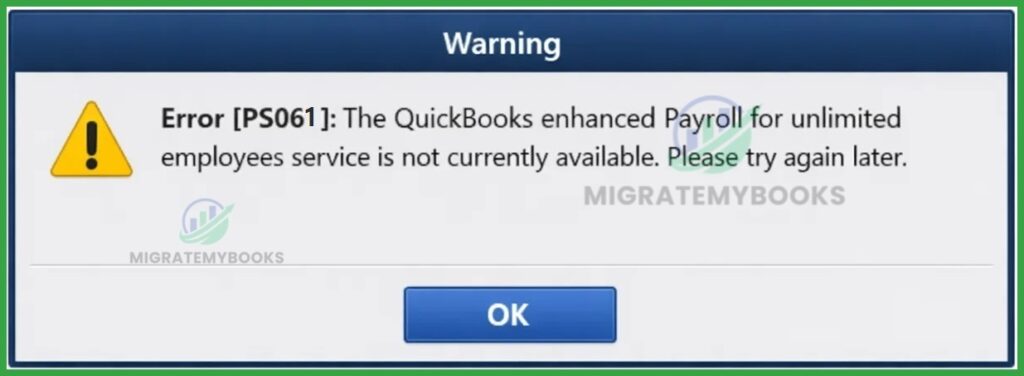
Error Message: “QuickBooks Error PS061:— Unable to download payroll update. Please check your payroll subscription and internet connection.”
What Does This Error Code Mean?
QuickBooks Error PS061 falls under the PSXXX payroll update error category, which typically indicates a payroll update/download issue — usually caused by problems with the payroll service connection, subscription validation, internet/firewall settings, or corrupted update files. These PSXXX errors occur when QuickBooks Desktop fails to update or verify payroll components.
QuickBooks Error PS077

Error Message: “QuickBooks Error PS077: QuickBooks is having trouble installing your payroll tax table updates”
What Does This Error Code Mean?
QuickBooks Error PS077 is a payroll-related update error that occurs when the software encounters a problem installing the latest payroll tax table updates, typically due to an unregistered software version, damaged payroll components, or an inactive subscription.
QuickBooks Error PS101
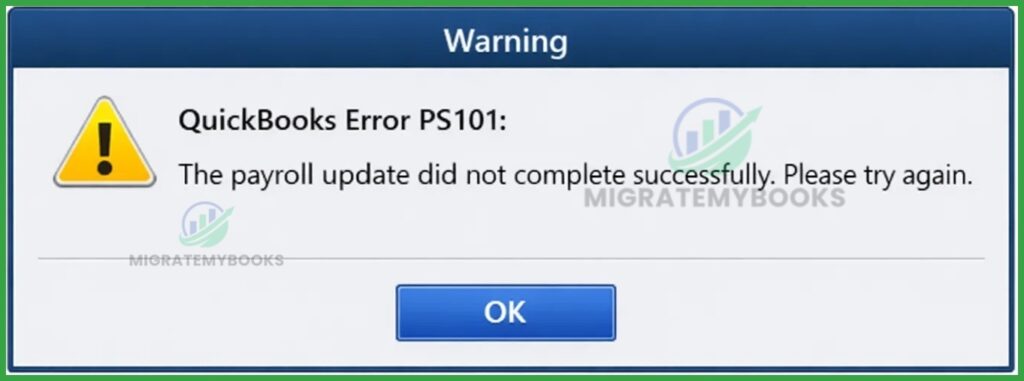
Error Message: “QuickBooks Error PS101: The payroll update did not complete successfully. Please try again.”
What Does This Error Code Mean?
QuickBooks Error PS101 is a payroll update error that signifies the software is unable to connect to the Intuit payroll server or complete the update process. It is primarily caused by internet connection stability, firewall restrictions blocking Intuit’s servers, or misconfigured system settings (like date and time).
QuickBooks Error PS107
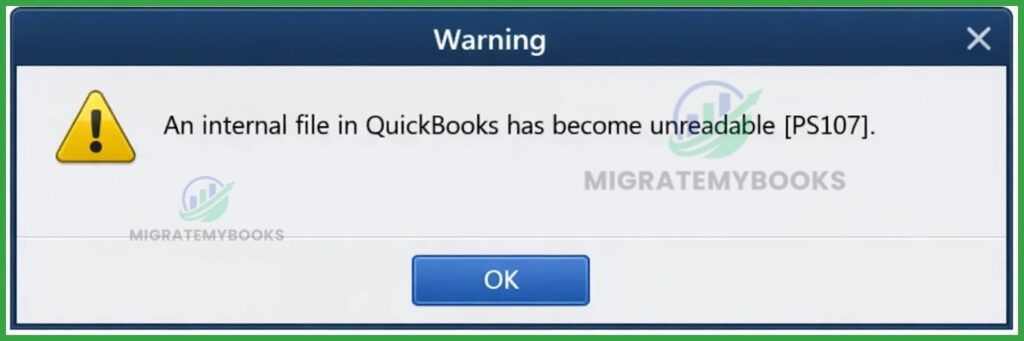
Error Message: “An internal file in QuickBooks has become unreadable [PS107].”
What Does This Error Code Mean?
QuickBooks Error PS107 is a payroll update error that occurs when an internal file within the software becomes unreadable or damaged, typically preventing the installation of the latest payroll tax tables. It is often caused by corrupted update files, an inactive payroll subscription, or background system processes interfering with the update.
QuickBooks Error PS109
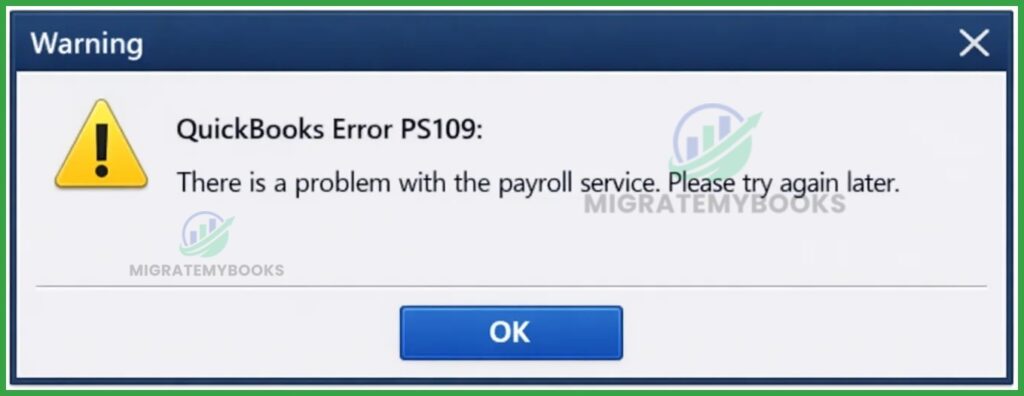
Error Message: “QuickBooks Error PS109: There is a problem with the payroll service. Please try again later.”
What Does This Error Code Mean?
QuickBooks Error PS109 typically occurs during payroll updates, indicating that the software cannot verify the subscription or internal authentication files are damaged. It often results from an outdated version of QuickBooks, incorrect internet settings, or corrupted payroll tax table files.
QuickBooks Error 30159
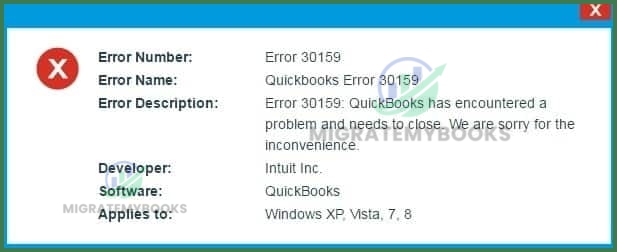
Error Message:QuickBooks Error 30159 is a payroll-related issue that occurs when the software fails to verify the payroll subscription status or encounters misconfigured system file settings within the Windows operating system. It typically disrupts payroll processing, tax table updates, and the addition of new Employer Identification Numbers (EINs).
What Does This Error Code Mean?
“Error 30159: QuickBooks has encountered a problem and needs to close. We are sorry for the inconvenience.”
“Unable to load account for PSID null: Entitlement is Enabled, but Entitlement Unit is deactivated.”
“Can’t Verify Payroll Subscription Error 30159.”
QuickBooks Error 30114

Error Message: “Error 30114: QuickBooks has encountered a problem and needs to close. We are sorry for the inconvenience.”
What Does This Error Code Mean?
QuickBooks Error 30114 is a payroll-related synchronization error that occurs when the software fails to connect with the financial institution or payroll service, often due to an outdated application version or incorrect internet security settings.
QuickBooks Error 30153
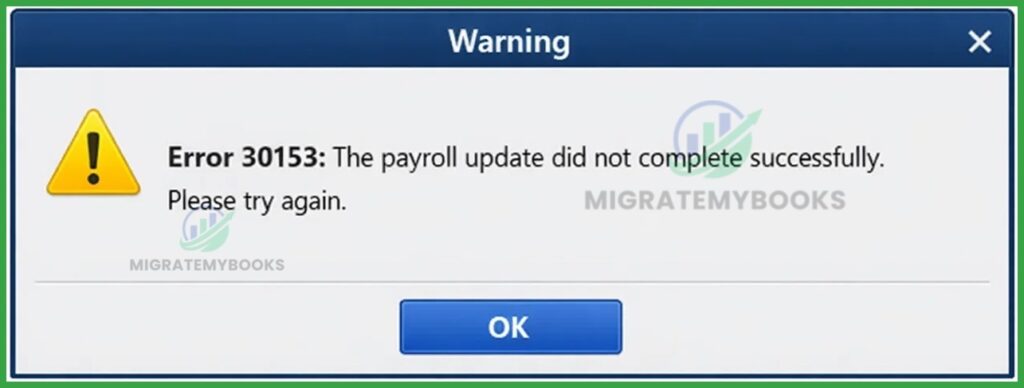
Error Message: “Error 30153: The payroll update did not complete successfully. Please try again.”
What Does This Error Code Mean?
QuickBooks Error 30153 typically signifies a payroll update issue where the software fails to send usage data due to incorrect system settings or file restrictions. It often occurs when the computer’s date/time is wrong or if an “Accountant’s Copy” restriction is active on the company file.
QuickBooks Error 40001

Error Message: “Error Code: 40001. Something’s not right. We’re unable to complete your request.” or “Error 40001: We can’t activate direct deposit. Try again later.”
What Does This Error Code Mean?
QuickBooks Error 40001 is a payroll-related issue that occurs when users lack administrative rights or when the Realm ID in the software does not match Intuit’s payroll system records during a direct deposit activation or account update.
QuickBooks Error 2002

Error Message: “Error 2002: QuickBooks has encountered a problem and needs to close. We are sorry for the inconvenience.” or “Incorrect PIN. Please try again.”
What Does This Error Code Mean?
QuickBooks Error 2002 is a security and verification error that occurs when a user attempts to create or log into a payroll service, usually triggered by an incorrect PIN or a failure in the software’s identity verification process.
QuickBooks Error 20102
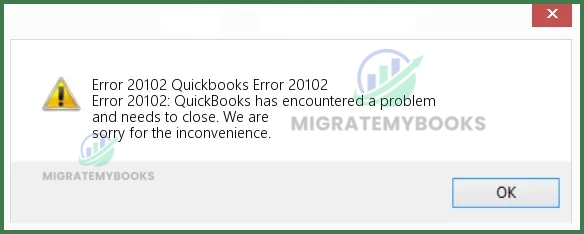
Error Message: “Error 20102: QuickBooks has encountered problems and needs to close. We are sorry for the inconvenience.” “Thank you for your interest in Direct Deposit. Currently, there is an issue with your account that must be resolved.”
What Does This Error Code Mean?
QuickBooks Error 20102 is a payroll-related issue that occurs when the Employer Identification Number (EIN) is already linked to another account or a previous payroll provider. It typically indicates a conflict in direct deposit setup or a mismatch between your company file and Intuit’s payroll servers.
QuickBooks Error 2103
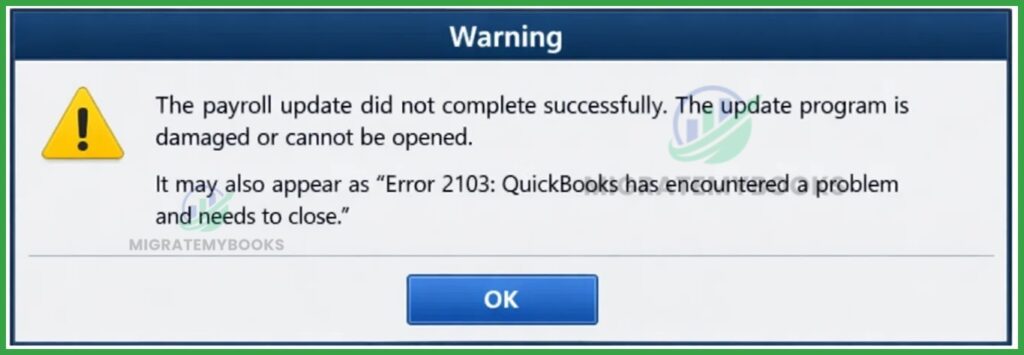
Error Message: “The payroll update did not complete successfully. The update program is damaged or cannot be opened.” It may also appear as “Error 2103: QuickBooks has encountered a problem and needs to close.”
What Does This Error Code Mean?
QuickBooks Error 2103 is a payroll update error that occurs when the software fails to download or install the latest tax table updates due to an invalid or missing digital signature. It typically indicates that QuickBooks cannot verify the authenticity of the update files from the Intuit server.
QuickBooks Error 2107

Error Message: “Payroll Service Server Error. Please try again later. If this problem persists, please contact Intuit. (Message Code 2107)” Alternative variations include: “Encountered a Payroll Service Connection Error” or “Problem Uploading Data to Service.”
What Does This Error Code Mean?
QuickBooks Error 2107 is a payroll-specific transmission error that occurs when a user is unable to send employee paychecks via Direct Deposit or download payroll data due to security certificate issues or data mismatches.
QuickBooks Error 15241
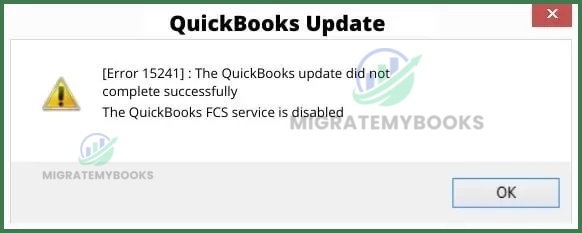
Error Message: Error 15241: The payroll update did not complete successfully. QuickBooks Desktop File Copy Service (FCS) is disabled.
What Does This Error Code Mean?
QuickBooks Error 15241 is a payroll update error that occurs when the QuickBooks Desktop File Copy Service (FCS) is disabled, not running, or blocked, preventing the payroll update from completing successfully.
QuickBooks Error 102

Error Message: “QuickBooks is presently unable to establish a link with your bank website. Error 102.” or “The online banking connection has been interrupted.”
What Does This Error Code Mean?
QuickBooks Error 102 is a bank connection issue indicating that QuickBooks is unable to connect to your financial institution’s server due to website maintenance or technical glitches.
QuickBooks Error 103

Error Message: “Error 103: Your banking log-in details are incorrect. The sign-in credentials you entered here are not being accepted by your financial institution’s website.”
What Does This Error Code Mean?
QuickBooks Error 103 means the sign-in credentials (username or password) entered in QuickBooks are not being accepted by your financial institution’s website. It indicates a login request rejection or that the connection has been terminated to prevent the bank from locking your account due to failed attempts.
QuickBooks Error 105

Error Message: “The bank or account site is down for maintenance so we can’t connect to it. Come back later and try again. (105)”
What Does This Error Code Mean?
QuickBooks Error 105 is a banking-related connection error that occurs when the software is unable to establish a link with your financial institution’s server due to temporary maintenance or server outages on the bank’s side.
QuickBooks Error 106

Error Message: “QuickBooks is unable to locate this account. (Error 106)” or “We can’t find this account. Make sure the account exists on your bank’s website. (Error 106)”
What Does This Error Code Mean?
QuickBooks Error 106 signifies a synchronization failure where the software cannot locate the specific account or bank credentials on the bank’s server, often due to account closure or moved data.
QuickBooks Error 108

Error Message: “The bank needs you to do something at their site (108)” or “There’s a message on your bank’s website that needs your attention.”
What Does This Error Code Mean?
QuickBooks Error 108 indicates that your bank or credit card company has posted a message (such as new terms of service, security alerts, or maintenance notices) on their website that is blocking the connection to QuickBooks.
QuickBooks Error 155

Error Message: “Bank error 155: Your financial institution isn’t allowing QuickBooks to connect and retrieve your data.” or “Something unexpected happened and we can’t connect to [Bank Name].”
What Does This Error Code Mean?
QuickBooks Error 155 is a banking connection error indicating that your financial institution is blocking QuickBooks from automatically retrieving your transaction data. It usually occurs when a bank updates its security protocols or temporary server restrictions prevent third-party access.
QuickBooks Error 165

Error Message:“Something unexpected happened and we can’t connect to [Bank Name]. (Error 165)” or “The bank account connected to QuickBooks has been closed.”
What Does This Error Code Mean?
QuickBooks Error 165 is a bank connection error indicating that the linked bank account has been inactive for over 12 months or has been closed at the financial institution. It can also signify a “stale object” or permission issue where the software cannot sync data due to an unrecognized update to a resource.
QuickBooks Error 168
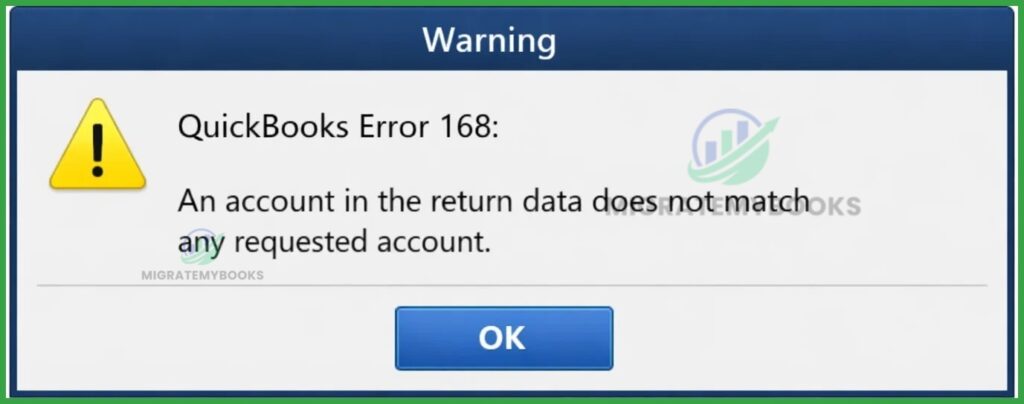
Error Message: “QuickBooks Error 168: An account in the return data does not match any requested account.”
What Does This Error Code Mean?
QuickBooks Error 168 is a banking connection error that occurs when the software cannot find or verify a specific account on your financial institution’s website. It typically signifies an authentication failure where the requested account data in QuickBooks does not match the active account data returned by the bank.
QuickBooks Error 179
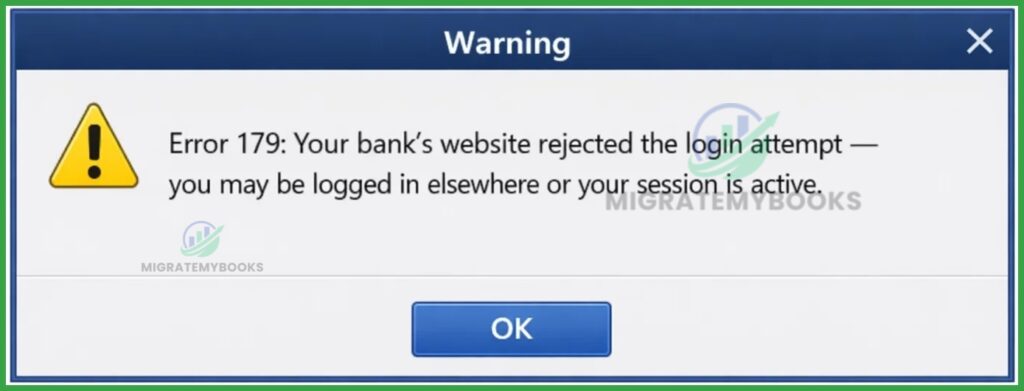
Error Message: “Error 179: Your bank’s website rejected the login attempt — you may be logged in elsewhere or your session is active.”
What Does This Error Code Mean?
QuickBooks Error 179 is a bank connection error that occurs when QuickBooks can’t log in or retrieve bank data because the bank’s site rejected the login attempt, often due to an active session elsewhere (e.g., another browser or device still logged into the bank).
QuickBooks Error 185

Error Message: “Something isn’t working. Complete some security steps for [Bank Name]. Then we’ll get your latest transactions. (185)”
What Does This Error Code Mean?
QuickBooks Error 185 signifies that your financial institution requires additional security authentication, such as Multi-Factor Authentication (MFA), security questions, or a one-time passcode (OTP), to authorize the connection.
QuickBooks Error 187
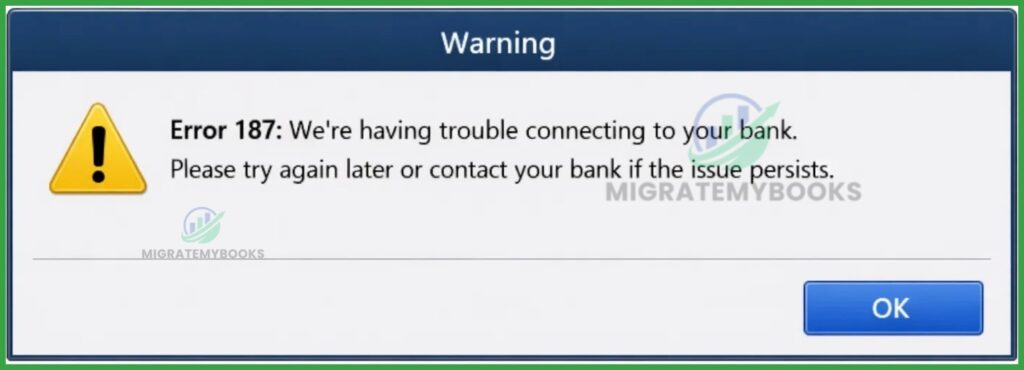
Error Message: “Error 187: We’re having trouble connecting to your bank. Please try again later or contact your bank if the issue persists.”
What Does This Error Code Mean?
QuickBooks Error 187 is a banking connection error that occurs when the financial institution’s login requirements or security protocols have changed, preventing QuickBooks from establishing a secure link to download transactions.
QuickBooks Error 3100

Error Message: “Status code 3100: The name ‘[Name]’ of the list element is already in use.”
What Does This Error Code Mean?
QuickBooks Error 3100 occurs when the software restricts adding/updating a list element (customer, vendor, employee, item) because the name you are entering already exists in the QuickBooks list, even if that existing record is inactive.
QuickBooks Error 324

Error Message: “QuickBooks is unable to find the account you’ve set up. (Error 324)” Note: It may also appear as “We can’t find your account. Make sure it wasn’t closed or moved at your bank.”
What Does This Error Code Mean?
QuickBooks Error 324 is a banking connection error that occurs when QuickBooks Online cannot find the specific account (credit card or bank) on your financial institution’s website, often due to a changed account name, closed account, or updated login credentials.
QuickBooks Error 355
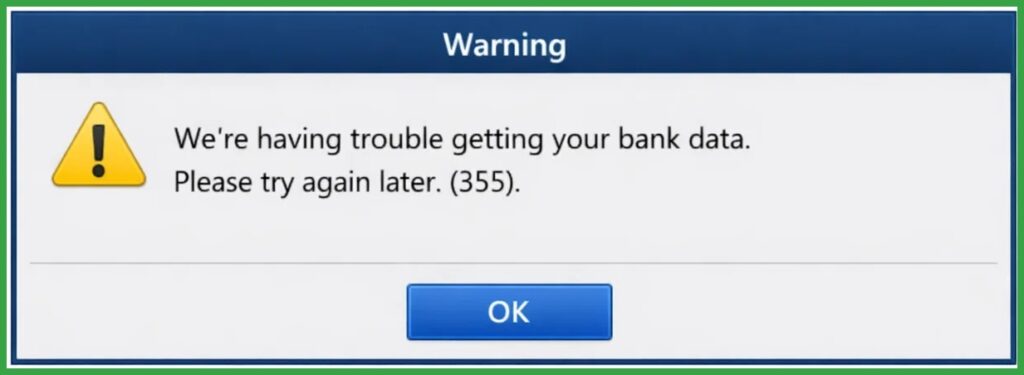
Error Message: “We’re having trouble getting your bank data. Please try again later. (355)”
What Does This Error Code Mean?
QuickBooks Error 355 means the software cannot connect to your bank account — typically due to incomplete data received from the bank’s API or an unexpected issue with the bank’s connection.
QuickBooks Error 580

Error Message: “Something unexpected happened and we can’t connect to [bank].”
What Does This Error Code Mean?
QuickBooks Error 580 means QuickBooks Online unexpectedly couldn’t connect to your bank account, typically due to an issue on the bank’s end that QuickBooks cannot resolve automatically.
QuickBooks Error 590
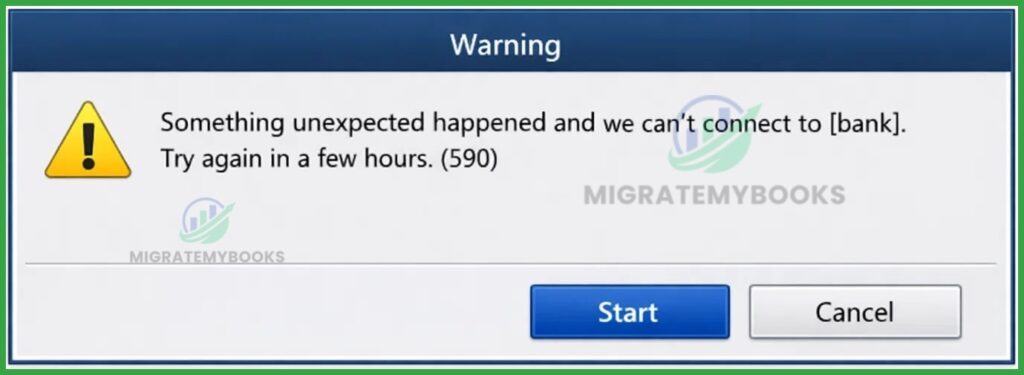
Error Message: Something unexpected happened and we can’t connect to [bank]. Try again in a few hours. (590)”
What Does This Error Code Mean?
QuickBooks Error 590 signifies a temporary communication failure between QuickBooks and your bank’s server, typically triggered by recent security updates, MFA requirements (like CAPTCHA), or the expiration of your 90-day Open Banking authorization.
QuickBooks Error 6144
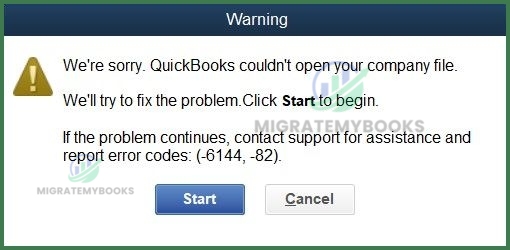
Error Message: “Error 6144 82: QuickBooks has encountered a problem and needs to close. We are sorry for the inconvenience.”
What Does This Error Code Mean?
QuickBooks Error 6144 (often seen as Error 6144, -82 / -301 / -304, depending on context) is a company file access error indicating a problem with the QuickBooks data file or its network setup, commonly due to corrupted files, network issues, or incorrect system configuration.
QuickBooks Error 213

Error Message: “Error 213: Verify (Account/Item/Name) list. Duplicate name encountered.”
What Does This Error Code Mean?
QuickBooks Error 213 is a data integrity issue caused by duplicate entries (such as names or accounts) within the QBWin.log file, often triggered during a Verify/Rebuild process.
QuickBooks Error 15222

Error Message: “Error 15222: The payroll update did not complete successfully” or “QuickBooks could not verify the digital signature for the update file.”
What Does This Error Code Mean?
QuickBooks Error 15222 is a connectivity and authentication error that occurs when the software is unable to establish a secure connection to download payroll or maintenance updates, often due to a missing or unverified digital signature certificate.
QuickBooks Error 15271
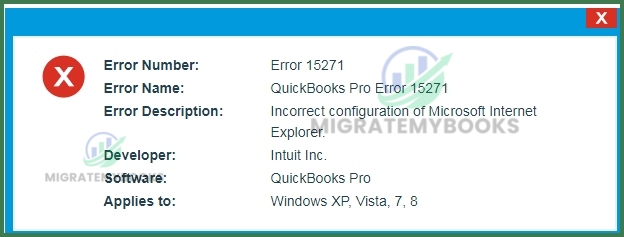
Error Message: “Error 15271: The payroll update did not complete successfully. A file cannot be validated.” “Error 15271: The update did not complete successfully. A file cannot be validated.”
What Does This Error Code Mean?
QuickBooks Error 15271 is a maintenance release and update error that occurs when the software cannot validate the integrity of a downloaded file, typically due to restricted system permissions or a corrupted Windows registry.
QuickBooks Error 6147
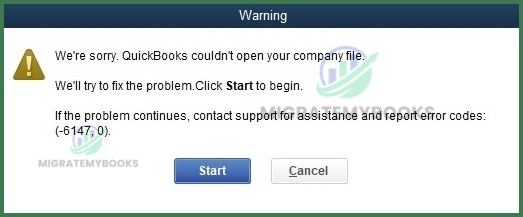
Error Message: “Error code: -6147, 0: QuickBooks is unable to open this company file” or “We’re sorry. QuickBooks couldn’t open your company file.”
What Does This Error Code Mean?
QuickBooks Error 6147 is a critical data access error belonging to the 6000-series, indicating that the software is unable to open or restore a company file due to corruption, file path issues, or network restrictions.
QuickBooks Runtime Error R6025
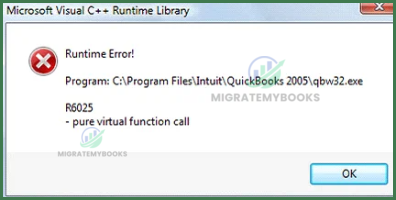
Error Message: “Runtime Error! Program: C:\Program Files (x86)\Intuit\QuickBooks (year)\qbw32.exe R6025 – Pure virtual function call”
What Does This Error Code Mean?
QuickBooks Runtime Error R6025 is a Microsoft Visual C++ library error that occurs when the software incorrectly calls a “pure virtual function,” typically due to corrupted program files, missing C++ components, or special characters in list items.
QuickBooks Runtime Error R6000
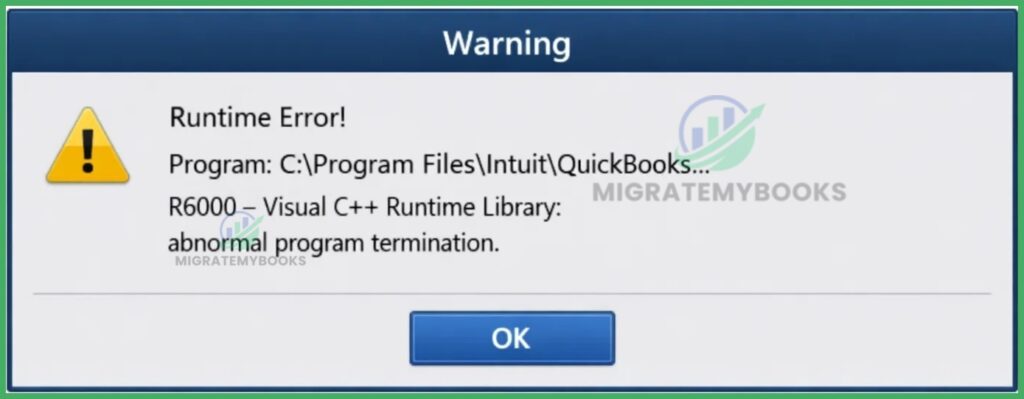
Error Message: “Runtime Error! Program: C:\Program Files\Intuit\QuickBooks… R6000 – Visual C++ Runtime Library: abnormal program termination.”
What Does This Error Code Mean?
QuickBooks Runtime Error R6000 is a specific C++ runtime error that occurs when the software cannot access a required resource or when a program component (like a .dll or .exe) crashes due to conflicting software, damaged installation, or insufficient system memory.
QuickBooks Runtime Error R6034

Error Message: “Microsoft Visual C++ Runtime Library. Runtime Error! Program: C:… [Path]\qbw32.exe. R6034 An application has made an attempt to load the C runtime library incorrectly.”
What Does This Error Code Mean?
QuickBooks Runtime Error R6034 indicates the program tried to load the Microsoft Visual C++ runtime (C runtime library) incorrectly, often due to corrupted/missing Visual C++ components or conflicting DLLs on Windows.
QuickBooks Runtime Error R6123
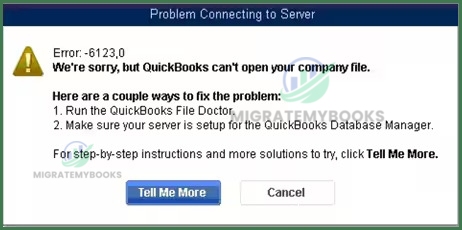
Error Message: “Error: -6123, 0: We’re sorry, but QuickBooks can’t open your company file.” or “Connection to the QuickBooks company file has been lost.”
What Does This Error Code Mean?
QuickBooks Runtime Error R6123 (often appearing as Error -6123, 0) is a company file access error that indicates the software has lost its connection to the data file, typically due to damaged network files, firewall interference, or a corrupted Windows user profile.
QuickBooks Error 15215
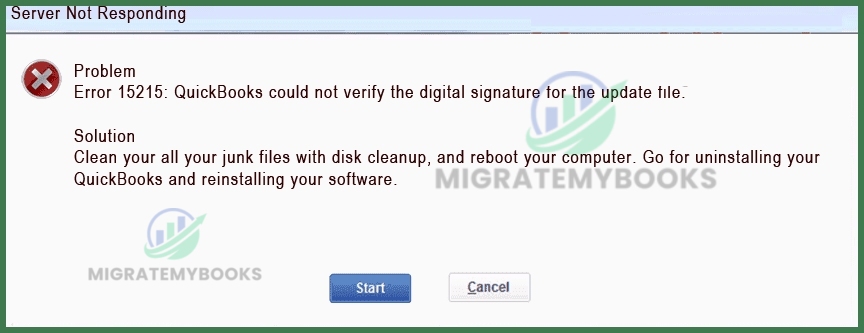
Error Message: “Error 15215: QuickBooks could not verify the digital signature for the update file.”
What Does This Error Code Mean?
QuickBooks Error 15215 is a maintenance release and payroll update error that occurs when a background application, firewall, or incorrect Internet Explorer security settings prevent the software from verifying the digital signature of an update file.
QuickBooks Error 15227
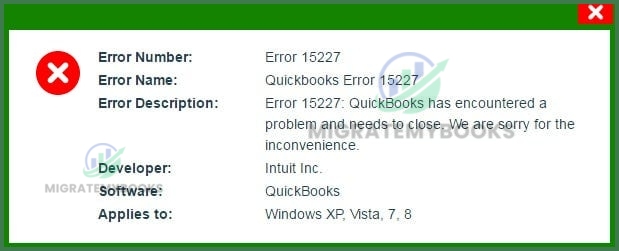
Error Message: “Error 15227: QuickBooks has encountered a problem and needs to close. We are sorry for the inconvenience.”
What Does This Error Code Mean?
QuickBooks Error 15227 is a critical runtime error that occurs when the system is unstable or essential files fail to respond to operating system commands during a QuickBooks Desktop or Payroll update.
QuickBooks Event ID Log Error 4

Error Message: “An unexpected error has occurred in “QuickBooks”: Integration Manager could not create the database manager object.”
What Does This Error Code Mean?
QuickBooks Event ID Log Error 4 is a .NET Framework runtime error that occurs when the QuickBooks Database Server Manager cannot access the company file or its integration components due to data corruption or permission conflicts.
QuickBooks Error 1334
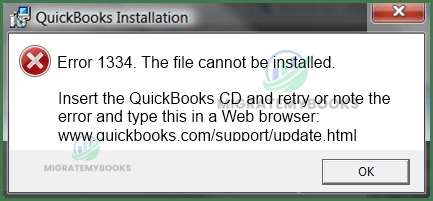
Error Message: “Error 1334. Error writing to file [filename]. Verify that you have access to that directory” or “Error 1334: The file cannot be installed because the file cannot be found in the cabinet file.”
What Does This Error Code Mean?
QuickBooks Error 1334 is an installation/update error indicating that a QuickBooks Desktop installation file is missing, damaged, or cannot be accessed, often because of corrupted QuickBooks setup files or issues with Microsoft .NET Framework.
QuickBooks Error 1402

Error Message: “Error 1402: Could not open key [Registry Key Path]. Verify that you have sufficient access to that key, or contact your support personnel.”
What Does This Error Code Mean?
QuickBooks Error 1402 is a Windows installer error that occurs when the software lacks the necessary permissions to open or modify a specific registry key during installation or update.
QuickBooks Error 6073

Error Message: “QuickBooks is unable to open this company file. It may have been opened by another user. Error codes: (-6073, -99001).”
What Does This Error Code Mean?
QuickBooks Error 6073 is a multi-user access conflict that occurs when the software is unable to open a company file because it is already open in “Single-User Mode” on another workstation or hosted in a read-only network folder.
QuickBooks Error 80029c4a

Error Message: “Error 80029c4a: Can’t load a dynamic link library (DLL)” or “QuickBooks couldn’t load a required component. Please try restarting QuickBooks.”
What Does This Error Code Mean?
QuickBooks Error 80029c4a indicates that a specific Dynamic Link Library (DLL) file is missing, corrupted, or not properly registered, preventing the software from loading essential components during startup.
QuickBooks QBPOS Error 176109
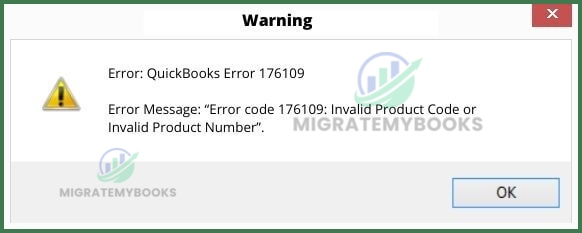
Error Message: “Error 176109: Invalid Product Number” or “Error 176109: Your subscription to QuickBooks Point of Sale has expired or is invalid.”
What Does This Error Code Mean?
QuickBooks QBPOS Error 176109 is an “Invalid Product Number” or “Invalid Product Code” error that occurs when the Point of Sale entitlement folder contains damaged files or when there are insufficient administrative rights to validate the license.
QuickBooks QBPOS Error 176103
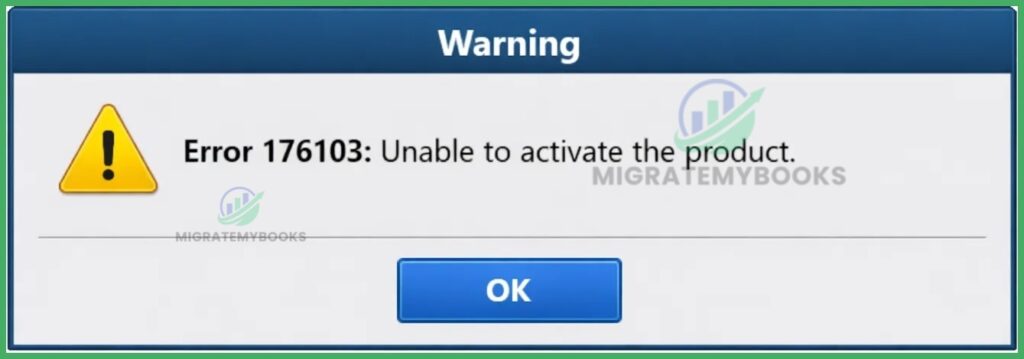
Error Message: “Error 176103: Unable to activate the product” or “Validation code is invalid or the license number is invalid.”
What Does This Error Code Mean?
QuickBooks QBPOS Error 176103 is a licensing and validation error that occurs when the Point of Sale software is unable to verify the license number or product code, usually due to insufficient administrative rights or a corrupted “Entitlement Client” folder.
QuickBooks QBPOS Error 176104

Error Message: “Error 176104: Invalid Product Number or Invalid Product ID”
What Does This Error Code Mean?
QuickBooks QBPOS Error 176104 is a licensing validation error indicating “Invalid Product Number” or “Invalid Product ID,” which occurs when the Entitlement folder contains damaged files or the user has insufficient administrative rights to validate the license.
QuickBooks QBPOS Error 176106

Error Message: “Error [176106]: QuickBooks Point of Sale cannot initialize the application. Please try again.”
What Does This Error Code Mean?
QuickBooks QBPOS Error 176106 typically indicates a Point of Sale initialization or license/validation issue where POS cannot start or validate required components properly, often due to corrupted entitlement files or installation problems commonly seen in 17xxx POS error codes.
QuickBooks QBPOS Error 121

Error Message: “Error 121: QuickBooks POS has encountered a problem and needs to close. We are sorry for the inconvenience” or “Error 121: Validation Error.”
What Does This Error Code Mean?
QuickBooks QBPOS Error 121 is a Point of Sale (POS) error indicating that the software cannot find the required license information or has encountered a validation failure during the startup or update process.
QuickBooks Error 6130
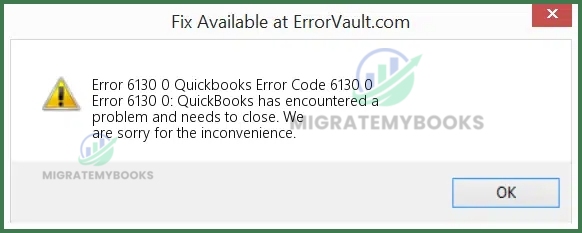
Error Message: “Error 6130 0: QuickBooks is trying to access the company file but cannot contact the database.”
What Does This Error Code Mean?
QuickBooks Error 6130 occurs when QuickBooks cannot access or open the company file due to corruption, incorrect permissions, network issues, or configuration problems, often in multi-user mode.
QuickBooks Error 6000 Series During Migration
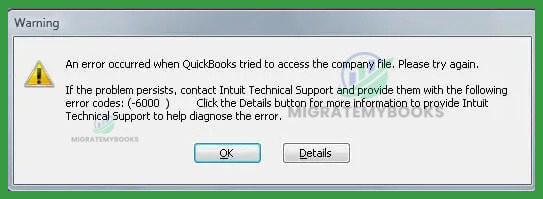
Error Message: “We’re sorry. QuickBooks encountered a problem. Error codes: (-6000, -XXX). QuickBooks cannot open this company file.” or “An error occurred when QuickBooks tried to access the company file. Please try again; if the problem persists, contact Intuit Support with the following error code: (-6000).”
What Does This Error Code Mean?
QuickBooks Error 6000 series refers to a group of company file access/validation errors that occur when QuickBooks can’t open, restore, or access a company file, often due to file corruption, network/configuration issues, or insufficient permissions during operations like migration.
Most Common Reasons Behind QuickBooks Desktop Error Codes
The following section first presents the complete list of these 23 reasons, establishing the full scope of known causes. This is followed by clear, fact-based explanations for each reason, detailing how and why each condition leads to QuickBooks errors in real-world environments.
Each explanation focuses on system behavior, data handling, security controls, or network dependencies that directly impact QuickBooks functionality.
1. Corrupted or Damaged Company Files
Company file corruption prevents QuickBooks from reading internal data tables correctly. Power failures, improper shutdowns, and storage interruptions commonly damage .QBW files. This results in access failures, freezes, or 6000-series errors.
- QuickBooks Error 6000, -77
- QuickBooks Error 6000, -80
- QuickBooks Error 6000, -83
- QuickBooks Error 6000, -301
- QuickBooks Error 6000, -305
- QuickBooks Error 6000, -832
- QuickBooks Error 6123, 0
- QuickBooks Error 6129, 0
- QuickBooks Error 6143
- QuickBooks Error 6147
- QuickBooks Error 6176
- QuickBooks Error 6177
- QuickBooks Error 6189
- QuickBooks Error 6190
- QuickBooks Error 6190, 816
- QuickBooks Error 6210
- QuickBooks Error C=44
- QuickBooks Error C=47
- QuickBooks Error C=51
2. Licensing / Entitlement File Corruption
Damaged entitlement or license files block QuickBooks from validating product activation. This directly triggers startup and registration errors such as Error 3371. File corruption usually occurs after system crashes or improper installs.
- QuickBooks Error 3371, 11118
- QuickBooks Error 3371, 1003
- QuickBooks Error 3371, 1004
3. Incomplete or Failed Installation
An interrupted QuickBooks installation leaves missing program components. Critical services and executables fail to load, causing launch or update errors. Antivirus interference and system interruptions are common triggers.
- QuickBooks Error 1603
- QuickBooks Error 1904
- QuickBooks Error 1935
- QuickBooks Error 1712
- QuickBooks Error 1723
- QuickBooks Error 1402
- QuickBooks Error 1321
- QuickBooks Error 1334
- QuickBooks Error 1310
4. Browser / Cache Issues (Online)
QuickBooks Online relies on browser scripts and stored session data. Corrupt cache files or unsupported browser versions break authentication and page loading. This results in sign-in loops or blank pages.
- QuickBooks Error 404
- QuickBooks Error 400
- QuickBooks Error 503
- QuickBooks Error 100
- QuickBooks Error 101
5. Multi-User / Network Configuration Issues
Incorrect hosting settings or disabled database services block file access in multi-user mode. QuickBooks cannot communicate with the server hosting the company file. This produces H-series and connection errors.
- QuickBooks Error H101
- QuickBooks Error H202
- QuickBooks Error H303
- QuickBooks Error H505
- QuickBooks Error -6000, -83
- QuickBooks Error -6000, -301
6. Outdated QuickBooks Version
Older QuickBooks builds lose compatibility with Intuit services and updated company files. Security and protocol mismatches trigger update and payroll errors. Regular updates prevent these failures.
- QuickBooks Error 15215
- QuickBooks Error 15222
- QuickBooks Error 15223
- QuickBooks Error 15240
- QuickBooks Error 15243
7. Internal Company File Structure Damage
List indexes and transaction links inside the company file can break over time. Large files and repeated interruptions worsen structural damage. Errors appear during reporting, saving, or verification.
- QuickBooks Error C=44
- QuickBooks Error C=47
- QuickBooks Error C=88
- QuickBooks Error C=1304
- QuickBooks Error C=343
8. Firewall / Antivirus Interference
Security software may block QuickBooks executables or background services. This interrupts updates, database communication, and file access. Errors occur even on stable networks.
- QuickBooks Error 12002
- QuickBooks Error 12007
- QuickBooks Error 12009
- QuickBooks Error 12029
- QuickBooks Error 15215
- QuickBooks Error 80070057
9. Third-Party Software Conflicts
Integrated applications can lock files or alter data during synchronization. Conflicts often appear during imports, exports, or real-time syncing. This leads to unexpected crashes or data errors.
- QuickBooks Error 80070057
- QuickBooks Error C=44
- QuickBooks Error C=51
- QuickBooks Error 6123, 0
10. Incorrect Folder Permissions / File Path
Restricted read/write permissions prevent QuickBooks from modifying company files. Network paths with limited access rights cause open and save errors. Permission issues commonly affect shared folders.
- QuickBooks Error 80070057
- QuickBooks Error 6123, 0
- QuickBooks Error 6000, -83
- QuickBooks Error 6147
11. VPN / Proxy Blocking Updates
VPNs and proxy servers can block QuickBooks update servers. Secure connections fail to authenticate through restricted routing. Update and payroll download errors result.
- QuickBooks Error 12002
- QuickBooks Error 12007
- QuickBooks Error 12009
- QuickBooks Error 12029
12. Windows User Permissions / UAC Problems
Restricted Windows permissions block QuickBooks services and background tasks. User Account Control can prevent required file access. This causes startup and save failures.
- QuickBooks Error 80070057
- QuickBooks Error 1402
- QuickBooks Error 1321
- QuickBooks Error 1603
13. Database Services Not Running
QuickBooks Database Server Manager enables multi-user file access. Disabled or stopped services prevent workstation connections. This directly causes H202 and related errors.
- QuickBooks Error H202
- QuickBooks Error H505
- QuickBooks Error 6176
14. Damaged Program Files (.DLL, .EXE)
Corrupt QuickBooks binaries prevent the application from executing correctly. Errors occur during launch or routine operations. System crashes and malware often cause file damage.
- QuickBooks Error 80029c4a
- QuickBooks Error 1935
- QuickBooks Error 1904
15. Unsupported or External Drive Locations
Hosting company files on external or removable drives increases corruption risk. Network interruptions disconnect QuickBooks unexpectedly. Intuit recommends local or dedicated server storage.
- QuickBooks Error 6000, -77
- QuickBooks Error 6000, -83
- QuickBooks Error 6147
16. System / Windows OS Issues
Outdated or damaged Windows components disrupt QuickBooks dependencies. Missing system updates break Microsoft services required by QuickBooks. Errors appear across multiple functions.
- QuickBooks Error 1935
- QuickBooks Error 1603
- QuickBooks Error 80029c4a
- QuickBooks Error 1904
17. Incorrect File Naming / Extensions
Invalid file extensions or special characters break file recognition. QuickBooks fails to open or restore such files. Naming standards prevent these errors.
- QuickBooks Error 80070057
- QuickBooks Error 6123, 0
18. Failed or Partial Updates
Interrupted updates leave QuickBooks in an unstable state. Program files and services remain mismatched. Errors appear during payroll, sync, or startup.
- QuickBooks Error 12002
- QuickBooks Error 12007
- QuickBooks Error 12009
- QuickBooks Error 12029
- QuickBooks Error 15215
- QuickBooks Error 15240
19. DNS / IP Resolution Problems
DNS failures prevent QuickBooks from locating servers correctly. IP resolution issues break multi-user and update connections. Network-based errors follow immediately.
- QuickBooks Error H202
- QuickBooks Error H505
20. Missing/Damaged Microsoft Components
QuickBooks depends on .NET Framework, MSXML, and Visual C++ libraries. Damaged or disabled components block installations and updates. Repairing these restores functionality.
- QuickBooks Error 1935
- QuickBooks Error 1603
- QuickBooks Error 1904